How Install JDeveloper 12.2.1.0.0
Step by step
2. You will get 2 files. Extract jdev_suit_122100_win64-2 in same directory
3. Double click or run as administrator jdev_suit_122100_win64 installer after that you will get below screen.
Installer started
4. Click Next
5. Skip update and click next
6. Choose ORACLE_HOME, Create new directory oracle home, if you have 12.1.1.0 installed in your machine so don't use existing ORACLE_HOME you will get error.
So create new oracle home Ex. "D:\Oracle\Middleware12c\Oracle_Home" and click next
7.Click on Install
8. Installation in progress.
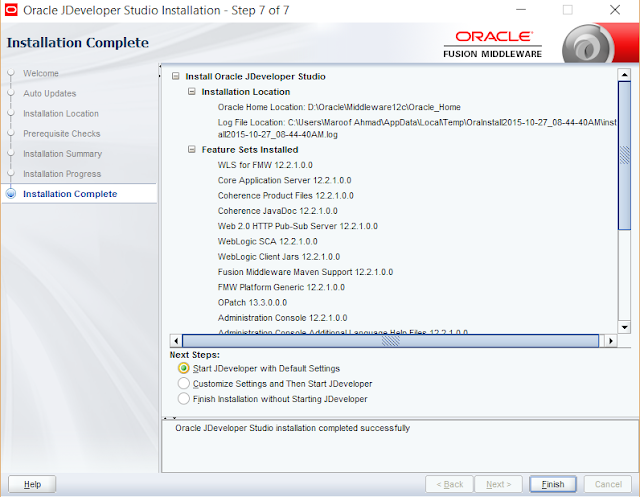
9. Installation 100% completed
10.Click on finish with Start Jdeveloper with default setting.
Congratulation! JDeveloper Started
Thank you.


